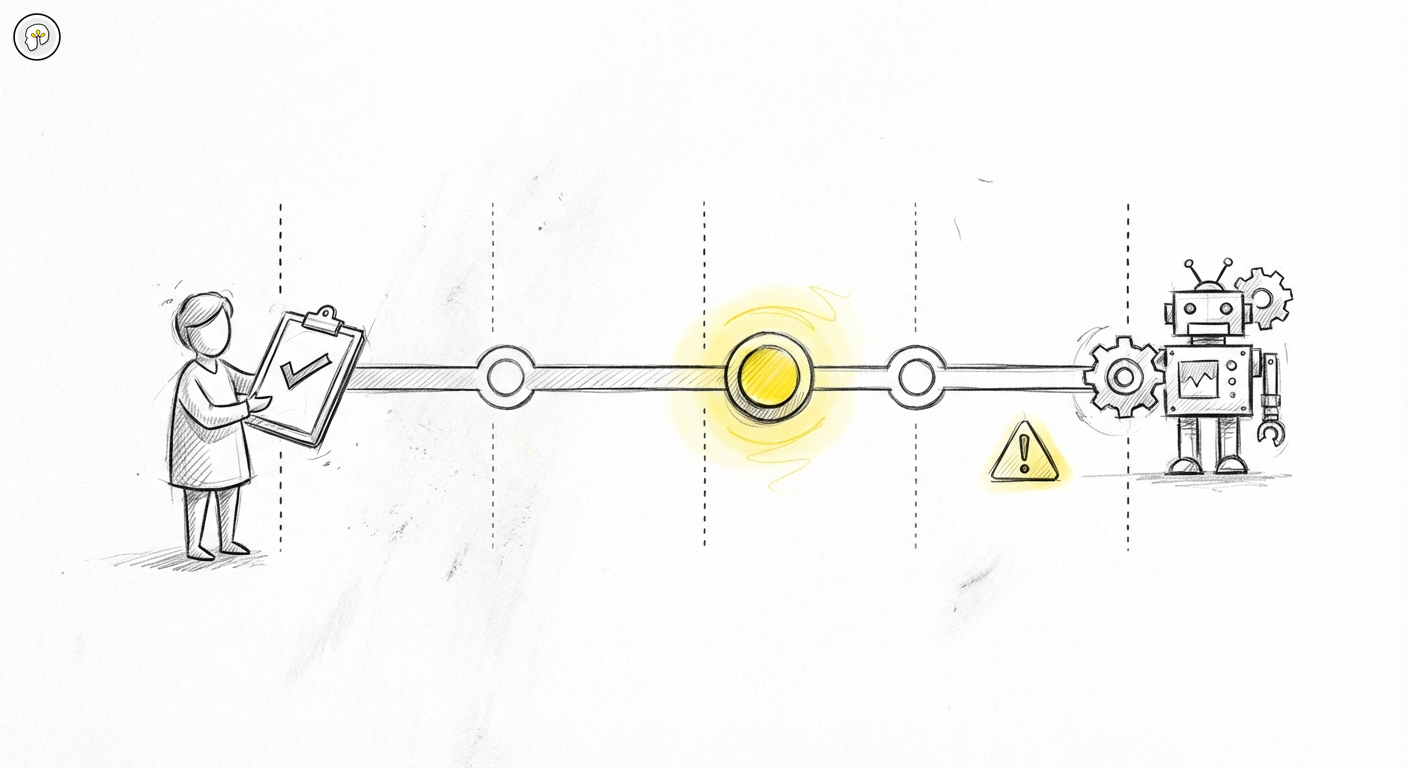
Part 5: Permission modes — matching AI autonomy to your risk threshold
Most developers configure Claude Code once and never revisit the permission settings. The default works, the sessions run, code gets written. The question of which mode you are using, and what that choice actually means, tends to surface only after something unexpected happens.
That is too late to think about it.
Permission modes are not a convenience setting. They are the mechanism that determines how much the AI acts before you review. Which means they determine, at a structural level, who is responsible for what comes out of each session. Choosing a mode deliberately — and choosing the right one for each context — is one of the most practical decisions in the tool.
What modes actually control
Claude Code operates with a set of tools: file reads, file writes, bash command execution, web fetches, and others. The permission system controls which of these require your explicit confirmation before running.
There are four modes to understand:
Default mode is the baseline. Claude will read files freely — that is safe. But before it writes to a file, runs a bash command, or takes any action with real-world consequences, it pauses and asks for your approval. You see what it intends to do, and you confirm or deny. Every session begins here unless you configure otherwise.
Plan mode moves the confirmation point even earlier. Instead of executing anything, Claude generates a complete plan of what it would do and stops. No files are touched, no commands run. You read the plan, evaluate it, and decide whether to proceed. This is the highest-scrutiny mode — maximum visibility before any action. It is the right starting point for unfamiliar codebases, risky operations, or any session where you want to think before the AI moves.
Auto-approve (configured via allowedTools in .claude/settings.json) lets you pre-approve specific tools so they run without prompting. You might auto-approve file reads and certain project-specific scripts while still requiring confirmation for bash commands or writes to sensitive directories. This reduces friction on operations you have already reasoned about and trust, without blanket-disabling oversight.
Bypass mode (--dangerously-skip-permissions) removes all confirmation prompts. Claude acts without pausing. This exists for CI pipelines, automated testing environments, and sandboxed containers where there is no human present to approve anything — and where the environment itself is disposable. If the wrong command runs, the environment can be thrown away. It is not for production codebases, not for convenience, not for saving time.
The accountability implication of each mode
Here is the part that does not appear in any settings documentation.
When you are in default mode and you approve each action, you are making a decision. You saw what Claude intended to do, you evaluated it, and you said yes. If that action produces a bad outcome, you own it — you made the call.
When you are in plan mode and you approve the plan, the same is true. You reviewed the full scope of what would happen, agreed it was sound, and let it proceed. The outcome is yours.
When you auto-approve a tool, you are making a prior decision: you have already reasoned about this class of operation and concluded it does not require per-session review. That decision is yours too. If something in that auto-approved category causes a problem, you made the structural choice that removed the checkpoint.
When you bypass permissions entirely, you have delegated the decision entirely to the AI. There is no review point. There is no moment where your judgment entered. If something goes wrong, it went wrong at a level you deliberately opted out of reviewing.
This is not a judgment on any mode. All of them are appropriate in the right context. But the accountability logic should be explicit: the mode you choose determines the review obligation you are accepting or declining.
When each mode fits
The right mode is not the same in every situation. It depends on the cost of a mistake and the quality of context available.
New or unfamiliar codebase: Start in plan mode. Before Claude writes anything, see the plan. Understand what it intends to change and why. An unfamiliar codebase has unknown dependencies, implicit conventions, and files you might not immediately recognize as sensitive. Plan mode is cheap — it costs you a read and a decision. The alternative, discovering a bad batch of writes after the fact, is expensive.
Mature codebase with good tests and version control: Default mode is appropriate. Claude asks before each write. You review diffs. The combination of per-action confirmation and git history means mistakes are catchable and reversible. Auto-approving file reads is reasonable. Auto-approving bash should be specific and intentional, not blanket.
Greenfield exploration or throwaway prototyping: Higher autonomy is reasonable. If you are generating boilerplate, scaffolding a new project from scratch, or exploring what a feature might look like — and you will review the entire output before using any of it — auto-approving more operations does not carry significant risk. The cost of a mistake is low: you would review everything anyway before it became real code.
CI pipelines and automated workflows: Bypass mode is appropriate, provided the environment is truly sandboxed. The key test: if the worst possible command ran, what would the blast radius be? If the answer is "the container gets thrown away," bypass mode is safe. If the answer involves real databases, production secrets, or shared infrastructure, it is not.
Where mode settings live
Claude Code separates global settings from project settings. This matters because the right mode is often project-specific.
Global settings live in ~/.claude/settings.json. These are your personal defaults across all projects. A sensible global default is conservative — default mode, with nothing auto-approved.
Project settings live in .claude/settings.json at the repo root. These are checked into the repository, which means they are shared with the team. If your project has established safe patterns — specific scripts that are always safe to run, build commands that should not require confirmation — these can be configured at the project level so everyone on the team benefits.
Local overrides live in .claude/settings.local.json. These are gitignored by default, which means they are personal to your machine and do not affect teammates. If you want a higher-trust configuration for your local workflow without affecting project defaults, this is the right place.
The hierarchy is: global → project → local. Local overrides win.
Common mistakes
Ask mode paralysis. Staying in default mode for everything, including operations you have approved dozens of times in identical contexts, creates friction that gradually trains you to approve quickly without reading. The confirmation becomes a button to click, not a review moment. If you find yourself doing this, it is a signal to auto-approve the specific low-risk operations — not to switch everything off, but to make the remaining confirmations meaningful.
Auto-approve overconfidence. The opposite error is blanket auto-approval because it feels faster. Auto-approving bash commands on a codebase you do not fully know is the same as asking someone to run arbitrary scripts on your machine without showing you what they do first. The speed gain is real; so is the risk.
Bypass mode on real data. The most dangerous mistake is using --dangerously-skip-permissions outside a throwaway environment because it removes the friction. If your codebase has any connection to real data, production services, or shared infrastructure, the flag name is accurate: it is dangerous.
A practical decision heuristic
Before each session, answer two questions:
- What is the cost if a bad action runs unchecked in this codebase?
- How well do I understand the context Claude is operating in?
High cost + low familiarity → Plan mode. Review the plan before anything happens.
Medium cost + good familiarity → Default mode. Review each action as it comes.
Low cost + high familiarity → Auto-approve specific, well-understood operations. Keep bash under review unless you have specific reason otherwise.
Throwaway environment → Bypass mode is available. Confirm the environment is genuinely disposable before using it.
The goal is not maximum autonomy or maximum caution. It is a calibrated match between the AI's autonomy and the actual risk surface of the current context. That calibration is your responsibility — and it is one of the clearest expressions of the human-in-the-loop principle in practice.
Previous in this series: Part 4 — Subagents, MCP and the architecture behind Code Review
Next in this series: Part 6 — Token economics: the invisible cost of context