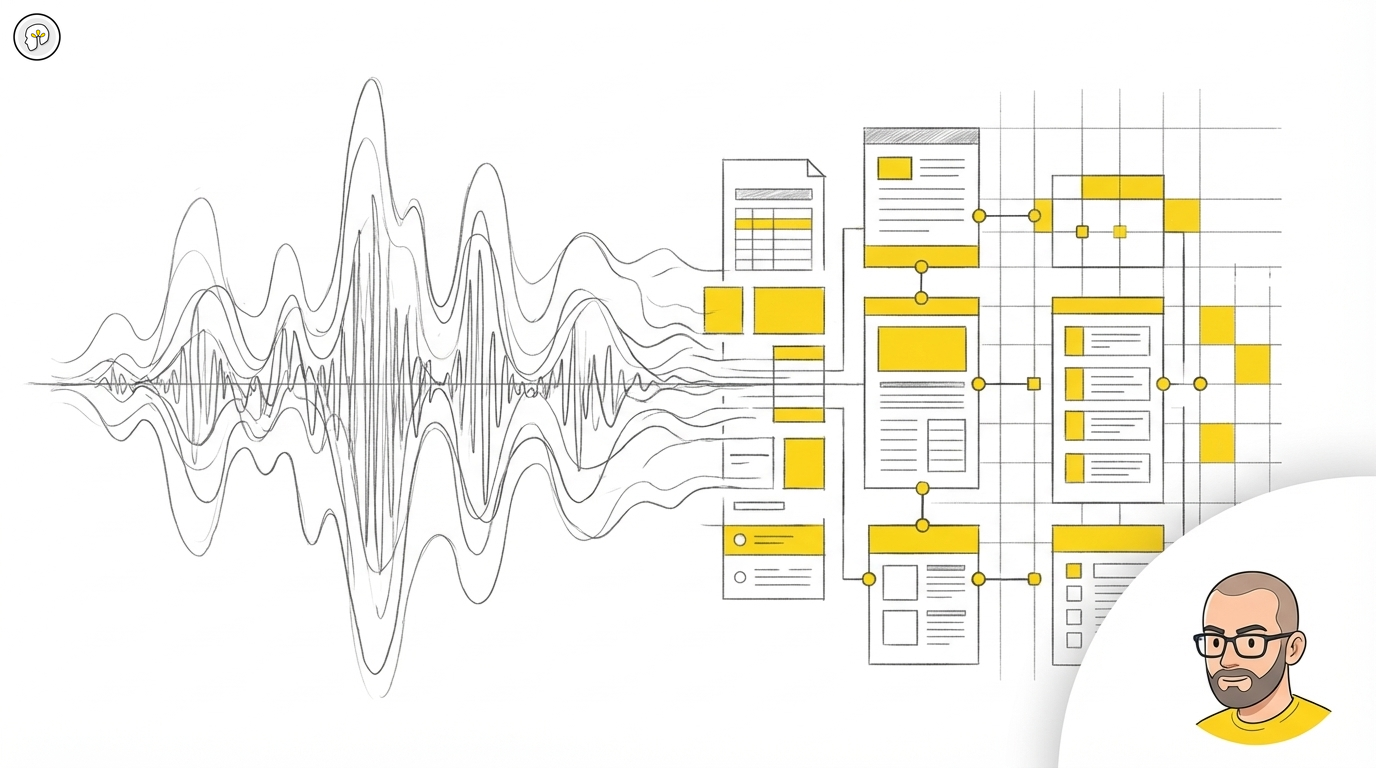
Voice to structured meeting documentation: how core-claude-skills turns recordings into actionable data
Your meeting summary is worthless. Not because the meeting was bad — because the summary captured structure instead of substance.
As Tomas Andre writes in his insights series:
Du hade ett mote igår. Teams Copilot genererade en sammanfattning. Du skummade igenom den, kanske vidarebefordrade den, och tankte att motet var dokumenterat. Det ar det inte. Det du har ar en generisk lista med agendapunkter, namn pa folk som pratade, och ett par atgardsforslag som later rimliga men som missar allt som faktiskt avgjorde vad som hande i det rummet.
— "Din motessammanfattning ar vardelos" (tomasandre.se)
The problem isn't AI-generated summaries. The problem is that generic summaries lose the substance — the tone, the subtext, the pauses that actually determined what happened. You need the full transcription first, then human-directed extraction.
The solution: full transcription + directed extraction
The core-claude-skills repository provides two complementary skills for this: /transcript for personal calls and lightweight processing, and /ops — a unified, config-driven meeting processor that handles the full pipeline from transcription to task import.
This isn't a summary tool. It's a processing pipeline that preserves everything and then lets you decide what matters.
How it works
Step 1: Create the structured summary
Feed the transcription to /ops (for organizational meetings) or /transcript (for personal calls). The skill:
- Detects the date from filename or content
- Identifies participants and their speaking patterns
- Extracts distinct topics as separate sections
- Pulls out decisions with ownership
- Lists action items with assignees
- Preserves the original language (Swedish characters enforced: a, a, o — not anglicized approximations)
The output isn't a paragraph of "key takeaways." It's structured markdown:
# Summary: 260225-samtal - Strategic review

## Topic 1: Q1 delivery status
[Extracted content with context preserved]

## Topic 2: Partnership decision
[The actual reasoning, not just the conclusion]

---

## Decisions
- Decision: Proceed with pilot phase (Owner: Partner, Deadline: March 15)

## Next steps
- [ ] Draft pilot scope document (You)
- [ ] Schedule technical review (Partner)
Step 1.5: Link to preparation
If you used /preparation before the meeting, /ops automatically links back to it. The meeting lifecycle is connected — what you prepared for, what actually happened, what comes next.
Step 2: File organization
/ops suggests where to save based on your project's routing rules. If your CLAUDE.md defines meeting routing (which folder for which participant or project), it follows those rules. You approve or override.
Step 3: CHANGELOG update
If the target folder has a CHANGELOG, /ops adds an entry:
- **260225: Transcript** - Strategic review of Q1 deliveries and pilot decision. *(strategy, pilot, Q1, partnership)* -> [260225-samtal.md]
One line, searchable keywords, direct link. Over time, this becomes a searchable history of every conversation.
Step 4: Task import
/ops detects action items assigned to you and offers to import them into your task tracker:
Found 3 action items for you:
1. Draft pilot scope document
2. Send partnership terms to legal
3. Book Q2 planning session

Add to task tracker? [yes] no select
You choose: import all, skip, or select specific ones. Each task gets a priority, a source link back to the transcript, and enters your task management flow.
The cascade: from recording to daily workflow
This is where it gets powerful. A single meeting recording triggers a cascade:
Recording (voice)
    |
    v
Transcription (text)
    |
    v
/ops (structured summary + decisions + actions)
    |
    +---> CHANGELOG (searchable history)
    +---> Task tracker (actionable items)
    |         |
    |         v
    |     /daily-dashboard (tomorrow's agenda includes these tasks)
    |
    +---> /preparation (next meeting with same person pulls from this transcript)
The /preparation skill for your next meeting with the same person will pull context from this transcript. The /daily-dashboard shows your action items. The CHANGELOG gives you searchable history. Nothing falls through the cracks because nothing stays trapped in a generic summary.
For personal calls where you don't need the full pipeline, /transcript gives you a clean structured summary without the organizational overhead.
What this actually costs
The transcript processing itself costs cents. The real investment is the 2-3 minutes after each meeting to review the structured output and confirm the task import. That's it.
Compare this to the alternative: spending 15-30 minutes writing meeting notes that nobody reads, or relying on an auto-generated summary that misses the substance.
The deeper principle: voice as raw material
Allt jag sager hamnar i text. Det ar inte en feature. Det ar inte ett verktyg. Det ar ett satt att se pa rost som ramaterial.
— "Allt jag sager hamnar i text" (tomasandre.se)
Every meeting, every call, every walk-and-talk discussion — it's all raw material. The transcript skill is the processing step that turns that raw material into structured, searchable, actionable documentation.
The skill doesn't replace your judgment about what matters. It preserves everything so your judgment has complete material to work with. You direct the extraction. You own the output.
Config-driven behavior
/ops uses layered configuration — organization configs define team participants, responsibility assignments, terminology, and workflow automation. This means the same skill adapts to different teams. For example, the structured extraction output:
extraction:
  date: 2026-02-25
  duration: 45
  language: sv

participants:
  - name: Person A
    role: Strategy
    speaking_share: 60%

content:
  decisions:
    - decision: Proceed with pilot
      owner: Person B
      deadline: 2026-03-15
  action_items:
    - action: Draft scope document
      owner: Person A
      priority: P1
This makes transcripts machine-readable. Other skills can process them further — aggregating decisions across meetings, tracking action completion rates, identifying patterns across conversations.
Try it yourself
Both /ops and /transcript are part of the core-claude-skills repository. Open source, designed for Claude Code, works with any transcription source — Teams, Zoom, Whisper, or manual transcription.
Use /ops for organizational meetings (full pipeline with CHANGELOG, task import, dashboard refresh). Use /transcript for personal calls (lightweight structured summary). Use /preparation before meetings and /daily-dashboard for morning overviews.
The pattern is simple: record everything, transcribe everything, then use human-directed extraction to pull out what actually matters. Stop trusting generic summaries. Start owning your meeting documentation.
Category: Methodology Published: 2026-02-26