Connect Claude to your tools with MCP
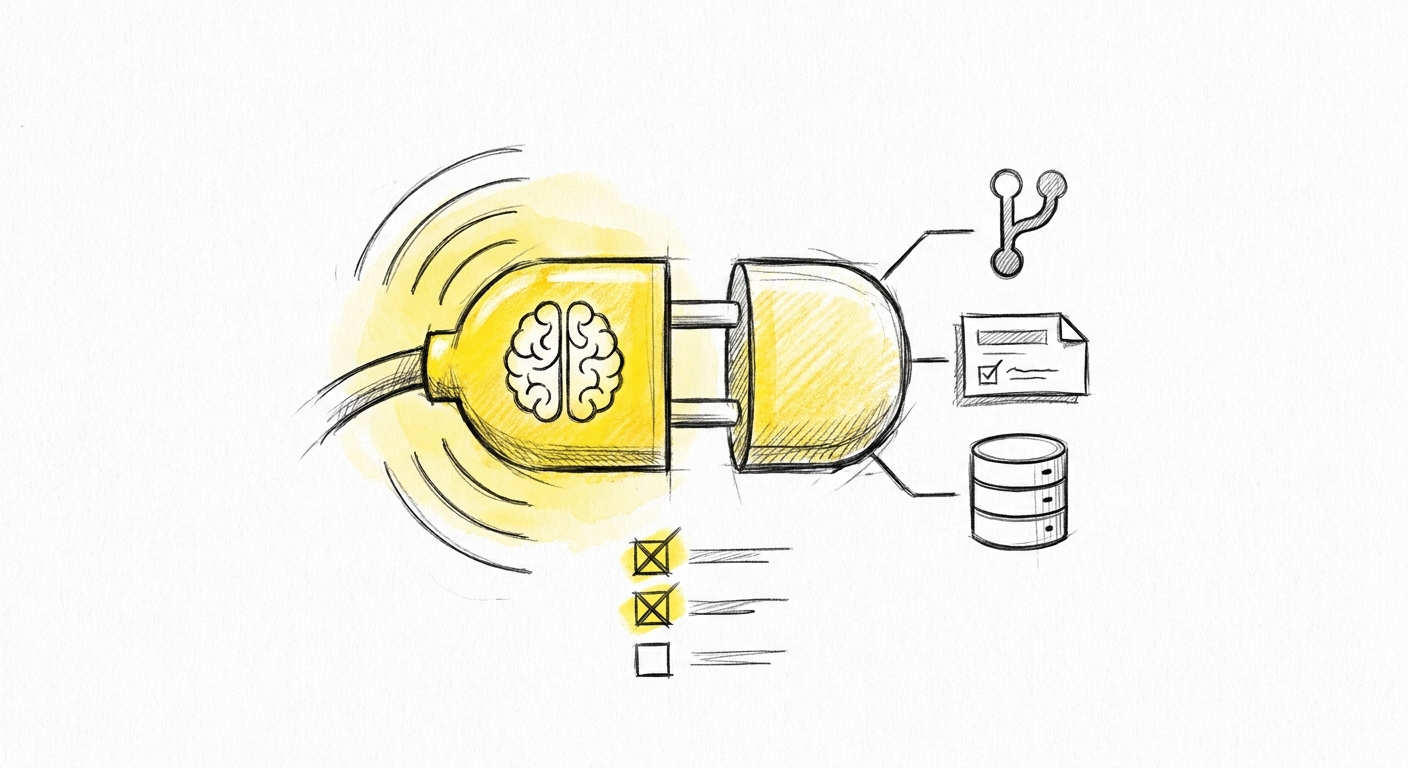
MCP gives Claude a live connection to your tools. The connection itself is straightforward to set up. What takes more attention is understanding what you have actually connected — and what Claude can do through it.
This guide covers both.
The server-client model
Every MCP integration involves two components: Claude (the client) and an MCP server (the bridge to a specific tool).
The MCP server is a process you run. It can run locally on your development machine, or on a server you control. It speaks the MCP protocol on one side — responding to Claude's requests — and handles the actual API calls to your tool on the other.
You configure which MCP servers Claude can access. Claude cannot initiate connections to arbitrary external systems. Every connection is explicit and deliberate.
This is the accountability layer. The MCP server runs under credentials you provision. The permissions it uses are the permissions you grant. When something goes wrong — and eventually something will — the question "who owns this?" has a clear answer.
Start here: two servers with no credentials
The fastest way to understand MCP is to connect a server that needs no setup beyond a path or URL.
Filesystem MCP
Gives Claude read (and optionally write) access to directories on your local machine. No credentials required.
{
  "mcpServers": {
    "filesystem": {
      "command": "npx",
      "args": [
        "-y",
        "@modelcontextprotocol/server-filesystem",
        "/path/to/your/project"
      ]
    }
  }
}
Replace /path/to/your/project with an actual directory. Claude can now read files in that directory, list contents, and — if you grant write access — create and edit files. This is useful for giving Claude access to a documentation folder, a data directory, or any local context that is not code.
Fetch MCP
Gives Claude the ability to fetch any public URL and return its contents. No credentials required.
{
  "mcpServers": {
    "fetch": {
      "command": "npx",
      "args": ["-y", "@modelcontextprotocol/server-fetch"]
    }
  }
}
Claude can now retrieve web pages, API responses, and raw content from public URLs. Useful for reading documentation, checking external data sources, or pulling in context from URLs you reference in your instructions.
Both of these come from the official modelcontextprotocol/servers repository. They are maintained by Anthropic.
Developer tooling: setup with credentials
GitHub MCP
Gives Claude read and write access to your GitHub repositories: files, issues, pull requests, comments, branch management. Claude can create draft PRs, read open issues, check CI status, and post review comments.
Get your token: GitHub → Settings → Developer settings → Personal access tokens → Fine-grained tokens. Select the specific repositories. Grant: Contents (read/write), Pull requests (read/write), Issues (read/write).
{
  "mcpServers": {
    "github": {
      "command": "npx",
      "args": ["-y", "@modelcontextprotocol/server-github"],
      "env": {
        "GITHUB_PERSONAL_ACCESS_TOKEN": "github_pat_..."
      }
    }
  }
}
Do not use a token with org-wide access for local development. Scope it to the repositories you are actively working in.
Jira and Confluence MCP
The most widely used community server for Atlassian products is @sooperset/mcp-atlassian. It covers both Jira and Confluence, using a single API token.
Get your token: Atlassian account → Security → Create and manage API tokens → Create API token.
{
  "mcpServers": {
    "atlassian": {
      "command": "npx",
      "args": ["-y", "@sooperset/mcp-atlassian"],
      "env": {
        "CONFLUENCE_URL": "https://your-org.atlassian.net/wiki",
        "CONFLUENCE_USERNAME": "you@yourorg.com",
        "CONFLUENCE_API_TOKEN": "your-token-here",
        "JIRA_URL": "https://your-org.atlassian.net",
        "JIRA_USERNAME": "you@yourorg.com",
        "JIRA_API_TOKEN": "your-token-here"
      }
    }
  }
}
You can omit the Confluence variables if you only need Jira. Scope the token to the specific projects your team works in.
Linear MCP
Linear ships an official MCP server. Read and write access to issues, cycles, and projects.
Get your key: Linear → Settings → API → Personal API keys → Create key.
{
  "mcpServers": {
    "linear": {
      "command": "npx",
      "args": ["-y", "@linear/mcp-server"],
      "env": {
        "LINEAR_API_KEY": "lin_api_..."
      }
    }
  }
}
PostgreSQL MCP
Gives Claude query access to a PostgreSQL database. Read-only by default when using a read-only database user — which is the right starting point.
Create a read-only user first:
CREATE USER claude_readonly WITH PASSWORD 'choose-a-strong-password';
GRANT CONNECT ON DATABASE yourdb TO claude_readonly;
GRANT USAGE ON SCHEMA public TO claude_readonly;
GRANT SELECT ON ALL TABLES IN SCHEMA public TO claude_readonly;
Then configure the MCP server:
{
  "mcpServers": {
    "postgres": {
      "command": "npx",
      "args": [
        "-y",
        "@modelcontextprotocol/server-postgres",
        "postgresql://claude_readonly:your-password@localhost:5432/yourdb"
      ]
    }
  }
}
Do not connect Claude to a production database with write permissions until you have run and reviewed every query it plans to execute.
Swedish ecosystem servers
Bokio MCP gives Claude access to Bokio accounting data, enabling VAT reporting, invoice analysis, and bookkeeping assistance within the Swedish SMB accounting context. Search GitHub for bokio mcp — it is community-built. Fortnox MCP servers exist for the same purpose in the Fortnox ecosystem.
Treat these as you would any community open-source tool before connecting them to production financial data. Read the source before you run it.
How to apply the configuration
All servers are configured in the same place: ~/.claude.json (global) or .claude/settings.json (project-level, checked into your repo if you want team-wide config).
{
  "mcpServers": {
    "filesystem": { "...": "..." },
    "github": { "...": "..." },
    "atlassian": { "...": "..." }
  }
}
Claude Code starts the configured MCP servers when it launches. Verify which are active with /mcp inside a session. Each entry in the output shows the server name, status, and which tools it exposes to Claude.
Store credentials in environment variables or a secrets manager. Never commit API tokens to source control.
Where to find more servers
The official list is at github.com/modelcontextprotocol/servers — this is the reference for Anthropic-maintained servers. Community servers are indexed at smithery.ai and through GitHub searches for mcp-server. There are now hundreds of publicly available servers covering everything from Notion and Slack to AWS and Kubernetes.
When evaluating a community server: read the source code before running it. An MCP server runs under your credentials and can make API calls on your behalf. Treat it with the same scrutiny as any dependency you add to a production system.
What "owning" an MCP connection means
Installing an MCP server is not the same as owning the connection. Ownership means you can answer three questions:
What does this server have access to? Every MCP server runs under credentials you provisioned. Those credentials have a permission scope. You should be able to describe that scope precisely — not approximately.
What can Claude do through it? Read operations and write operations are different in consequence. Claude updating a Jira ticket status is low-risk. Claude creating new issues, moving tickets to "Done," or posting comments on PRs has more impact. Know which operations your server supports and under what conditions Claude will use them.
Who is accountable when something goes wrong? If Claude moves the wrong ticket, posts a confusing comment, or queries the wrong database table, who handles it? The answer should be a person, not "the MCP server."
If you cannot answer all three, you have not connected a tool. You have handed over a connection you do not understand.
Pre-production checklist
Run this before connecting Claude to any live system through MCP:
- Credentials are scoped to minimum required permissions
- Credentials are stored in environment variables, not hardcoded in config files
- You have tested the connection against a development or staging environment first
- You understand which operations the MCP server can perform (read, write, delete)
- You have defined under what conditions Claude will use the connection — and when it should ask before acting
- Someone on the team owns the credential rotation
This checklist is not bureaucracy. It is the difference between an MCP connection you control and one that eventually surprises you.
Next in this series: Part 3 — MCP in enterprise: a workflow that is actually owned