What is MCP — and why it changes what Claude can do
There is a boundary most developers hit with Claude before they discover MCP.
Claude can write a function that calls your Jira API. It can explain how your database schema works. It can suggest what query to run. But it cannot look at your actual open tickets right now, update a status, or read what is currently in your repository — not without MCP.
That boundary is where MCP starts.
What MCP is
MCP stands for Model Context Protocol. It is an open standard — not a product, not a plugin — that defines how AI models connect to external tools and data sources.
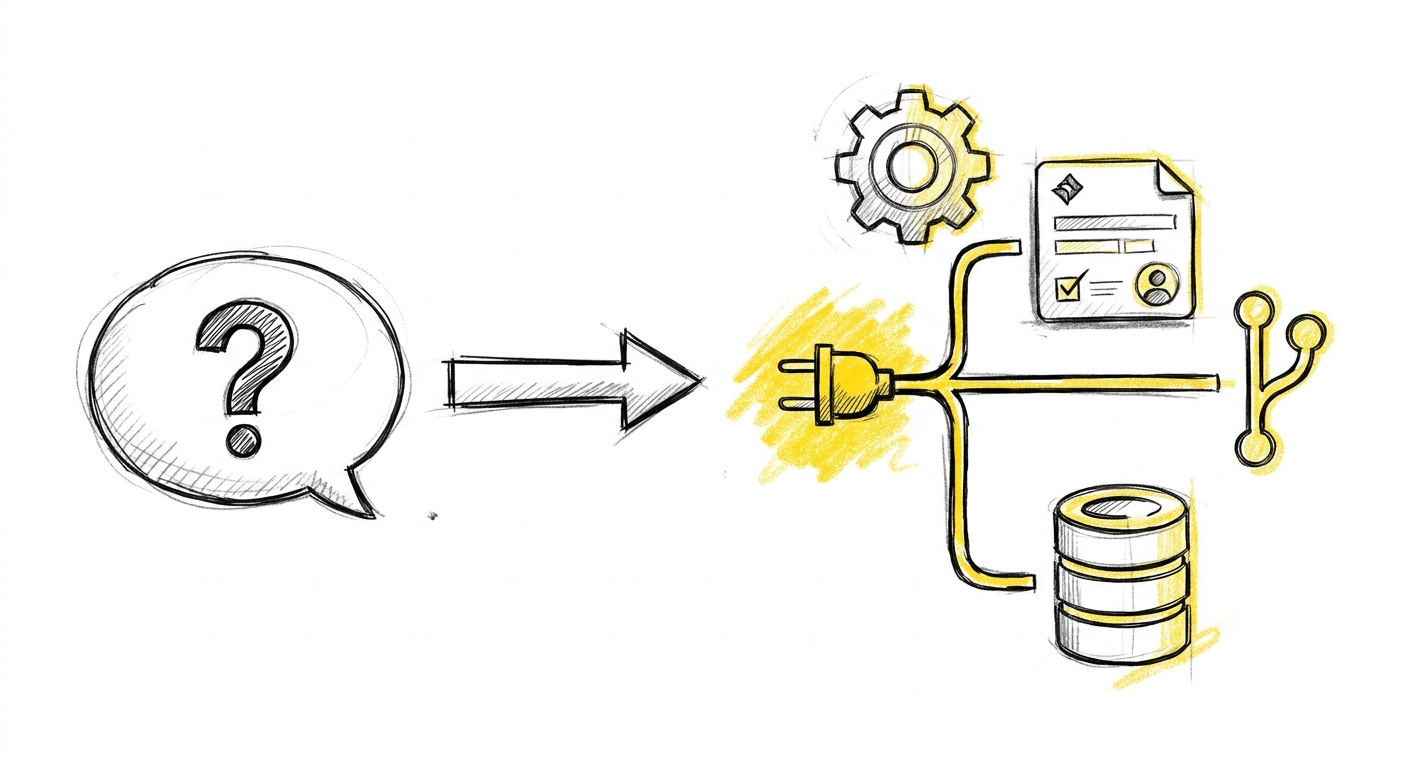
The simplest way to understand it: without MCP, Claude knows about your tools. With MCP, Claude can act inside them.
This is a meaningful difference. "Write code that would query our database" is a different task from "query our database and tell me what you find." The first is advisory. The second requires a live connection. MCP is what makes the second possible.
How it works
MCP uses a server-client model. An MCP server is a process — local or remote — that sits between Claude and a specific tool. It speaks the MCP protocol toward Claude and handles the actual API calls toward your tool.
When Claude needs to read a Jira ticket, it does not call the Jira API directly. It sends a request to the Jira MCP server. The MCP server authenticates, calls the Jira API, and returns the result. Claude sees the ticket contents. Claude can then update it, create a linked issue, or move it to a different status — through the same server.
You configure which MCP servers Claude can access. Claude cannot connect to anything you have not explicitly set up. This is deliberate. MCP is not automatic access; it is structured access.
Why it matters
Consider a concrete workflow. A developer is working on a feature. They have Claude Code running in their terminal. The task is in Jira. The code change goes into a git worktree. When the implementation is ready, Claude creates a draft PR and moves the Jira ticket to "In Review."
Without MCP, that last step is manual. The developer switches to a browser, opens Jira, finds the ticket, updates the status. Small friction, repeated many times across a team over months.
With Jira MCP, Claude handles it. Not automatically and invisibly — the developer directs it. Claude executes. The ticket status reflects the actual state of the work. The loop closes.
This is the pattern Mindtastic's Pillar 3 describes: right context in, not a better prompt. MCP gives Claude access to real-time data from your systems. That data is the context. What Claude does with it depends on how clearly you instruct it.
What MCP is not
MCP is not a way to give Claude autonomous access to your infrastructure. It is not a background daemon that monitors your systems without your direction. It is not a replacement for your existing tooling.
It is a connection layer. Claude can use that layer to act inside your tools when you tell it to. The developer stays in the loop. The accountability does not transfer to the MCP server.
Where MCP is being used
MCP adoption in professional domains is accelerating. The clearest patterns so far are in development workflows:
A senior developer runs plan mode, then lets Claude build on autopilot across git worktrees. Jira MCP updates ticket status as work progresses. The PR goes to draft, the developer reviews every line before merge. Claude executes; the developer owns each step.
A project manager connects Claude to Jira via MCP and builds a dashboard that automatically aggregates story points, velocity, earned value, and blockers before a steering group meeting. The PM knows exactly what information the steering group needs — that domain knowledge is what makes the MCP instructions precise enough to produce useful output.
Different roles, different tools, same principle: a live connection to real data, directed by someone who knows what they are doing with it.
What comes next
Part 2 covers the practical setup: how MCP servers are installed and configured, which servers exist for common developer tools, and what owning an MCP connection actually requires.
The conceptual shift is simple. The execution details are where it gets specific.
Next in this series: Part 2 — Connect Claude to your tools with MCP